
Blog posts tagged "Visual Studio Code"

What’s the best way to get a Linux environment in VSCode? Developers love Visual Studio Code (VSCode) for its flexibility and for its goldilocks balance of powerful features and lightness / speed. VSCode is a popular choice for developers using Linux, but even those using it on Mac or Windows often look for ways to
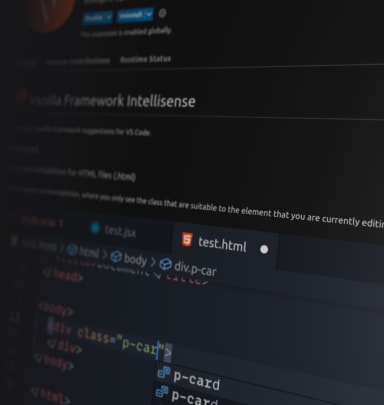
The Vanilla CSS Framework is a utility class-based and customizable SASS library that is the go-to when it comes to styling websites and dashboards across the majority of projects at Canonical. Knowing all the class utilities could be tricky. That’s why we make sure that our documentation is up-to-date and accessible as much as possible.

On the 4th and the 5th of October 2021, the Web & Design team ran a remote Hackathon. The theme of it was to build tools that would make our life easier at Canonical. Creativity and collaboration are at the heart of any Hackathon. 26 visual and UX designers, developers and project managers split into
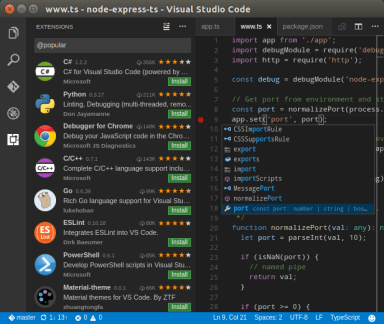
Microsoft’s Visual Studio Code is a popular free code editor with built-in support for debugging, task running, and version control. While available for Linux via tarball, rpm, and debian package options, the Visual Studio Code team had been seeking new options that would support seamless upgrades to match their rapid release cadence. Joa

4th April 2019, London, UK – As of today, Microsoft Visual Studio Code is available for Linux as a snap, providing seamless auto-updates for its users. Visual Studio Code, a free, lightweight code editor, has redefined editors for building modern web and cloud applications, with built-in support for debugging, task running, and version c